Sharing is caring!
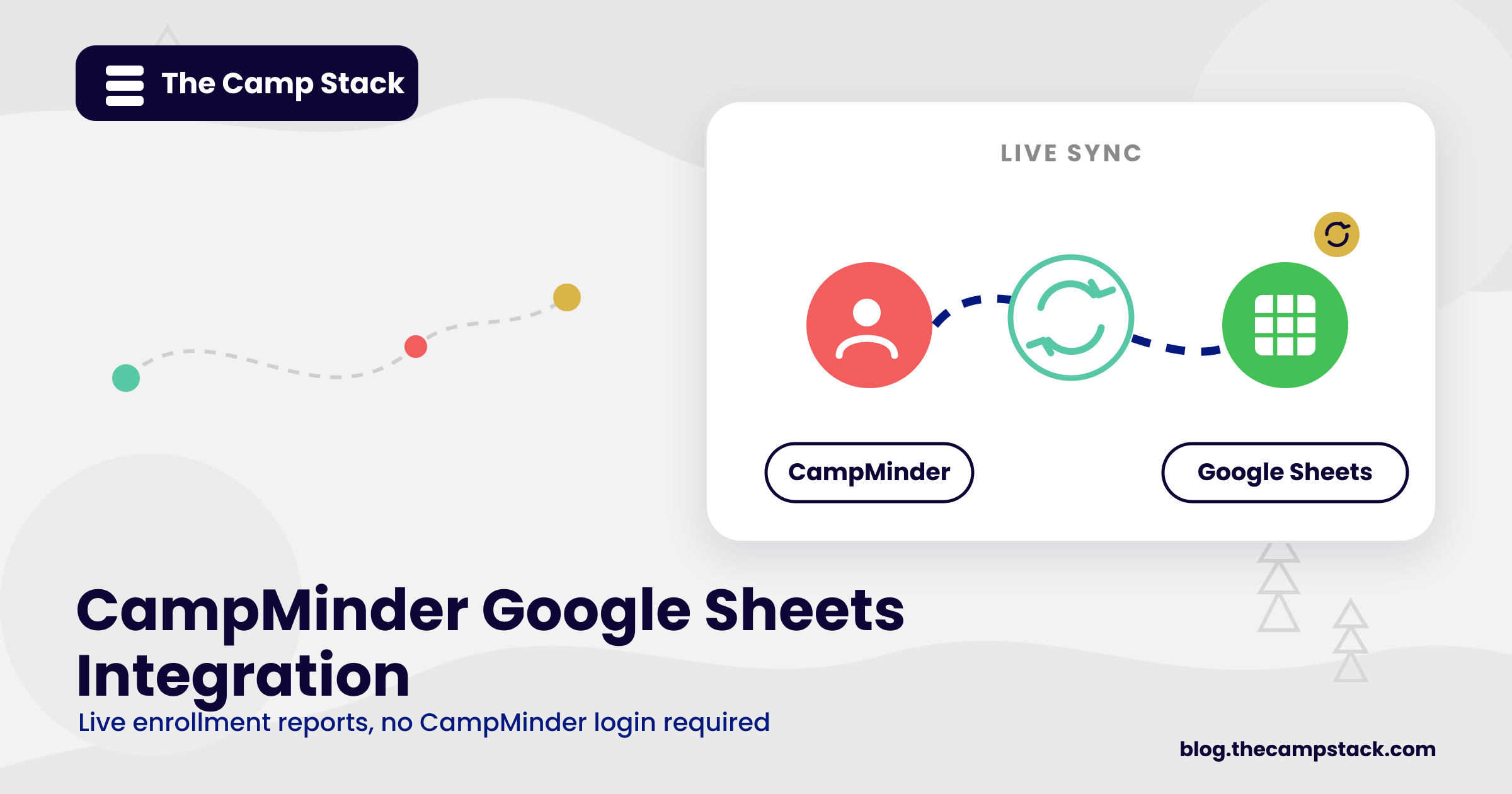
A CampMinder Google Sheets integration is one that camp directors ask for. This integration pulls your enrollment session and payment data from CampMinder into a live spreadsheet your whole team can read. No login required, no manual export, and no stale numbers by the time the Monday meeting starts.
While CampMinder serves as your single source of truth, not everyone on your team needs to log in to do their job. Syncing CampMinder with Google Sheets gives everyone the information they need, from board members looking for high-level updates, marketing leads monitoring registration numbers, and bookkeepers tracking payment status. They no longer need to wait on manual reports. A single synced spreadsheet addresses all three challenges through one unified connection.
How the CampMinder Google Sheets Integration Works
The CampMinder Google Sheets setup connects through CampMinder’s API (or a middleware tool like Zapier, depending on your plan). It pushes specific fields into a designated Google Sheet on a schedule you control, typically every few hours or once daily.
These are the fields that sync most often:
- Camper name, age, and session assignment
- Enrollment status (confirmed, waitlisted, cancelled)
- Payment status and balance due
- Session capacity and current fill count
- Family contact information
Here is a real use case showing how the integration works. A mid-size overnight camp used this setup to give its executive director a live enrollment dashboard heading into a board meeting. Instead of exporting a CSV the morning of the meeting, the director opened a Google Sheet that had already refreshed overnight, sorted by session, with fill rate calculated automatically in a formula column. The meeting ran on current numbers instead of numbers that were three days old.
This is the kind of connection we cover in more depth across our broader library of camp software integrations, where CampMinder is one of several live systems we support alongside HubSpot, ActiveCampaign, and SurveyMonkey.
5 Reports You Can Build Once the Sync Is Live
- Daily enrollment snapshot. Total campers by session, updated every morning automatically.
- Session fill rate. A simple percentage column that flags which sessions need a push before they close.
- Waitlist tracker. A running list sorted by session and date added, so nobody falls through the cracks.
- Payment status report. Balances payment due, sorted by session or family, without pulling a separate CampMinder report.
- Family contact roster. A clean, shareable list for staff who need family phone numbers but not full CampMinder access.
None of these require custom code. Once the sync is running, each report is a matter of formulas, filters, and a pivot table on top of the raw data feed.
Where This Fits in Your Broader Tech Stack
A CampMinder Google Sheets integration is a starting point, not a finish line. Once your enrollment data lives outside CampMinder in a format your whole team can access, it becomes far easier to feed that same data into other systems. If you are also running paid campaigns or enrollment email campaigns, pairing this data feed with a camp marketing automation workflow helps you spend your budget where it’s needed while automatically aligning your marketing efforts with real-time session fill rates.
If you want the fuller picture of what a connected camp tech stack looks like, our camp tech stack guide will walk you through how CampMinder fits alongside your CRM and email platform. And if your team is deciding between an API pull and a middleware tool for this specific sync, our CampMinder API breakdown covers both paths in detail.
FAQ
Does the CampMinder Google Sheets integration require a developer?
No. Most camps set this up through CampMinder’s API with a middleware tool; no custom development required. A one-time setup call is usually enough.
How often does the data refresh?
Refresh schedules are configurable. Most camps run it every few hours during peak enrollment and once daily in the off-season.
Will this integration work with our current CampMinder plan?
API access varies based on the CampMinder plan tier. Before you set up, confirm your plan’s API access, or you can use a middleware option that doesn’t require direct API access.
Can we control which fields get synced?
Yes. You choose which fields populate the sheet. Most camps limit the sync to enrollment, payment, and contact fields and leave sensitive notes out of the spreadsheet entirely.
Is our family data secure once it is in Google Sheets?
Security depends on how you manage sharing permissions on the sheet itself. We recommend restricting edit access and sharing view-only links with anyone outside your core admin team.
Ready to Connect Your Systems?
If your team is still exporting CampMinder reports by hand, a synced spreadsheet is one of the fastest wins available. Book an integration consult with us, and we will map out exactly which fields to sync and how often.
Sharing is caring!