Sharing is caring!
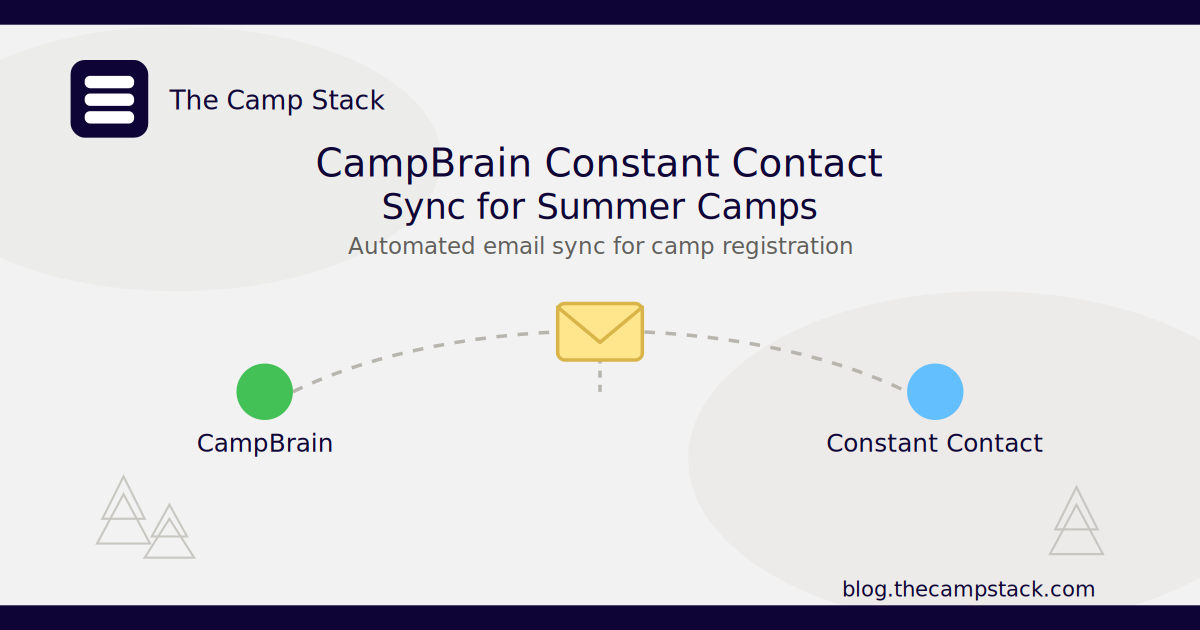
A CampBrain Constant Contact sync automatically connects registration and email for summer camps, so every signup, cancellation, and session change updates your marketing platform without anyone using a spreadsheet. It eliminates all the hours you would have spent manually updating data using a spreadsheet.
Instead of exporting lists by hand, your camp keeps one accurate, always-current audience for every email you send.
In this guide, you will learn why integrating CampBrain and Constant Contact is beneficial for summer camps, how it works, and what you need before you start.
Why Camps Connect CampBrain to Constant Contact
CampBrain was built to manage registration, but it was never designed to be an email marketing tool. Constant Contact was built for email, but it has no idea who just registered, who’s on a waitlist, or who withdrew last week.
When both systems work independently, it’s easy for them to drift apart. Someone updates a list manually, forgets a session, and a family gets the wrong reminder or misses an important update entirely.
Connecting the two closes that gap. With a CampBrain Constant Contact sync, registration data automatically moves out of CampBrain into Constant Contact, so your camp lists always reflect who’s currently enrolled. This is one of several ways camps get more out of the platform. See CampBrain Integrations Made Simple for a broader look at what CampBrain can connect to.
Here Is How It Works
The Camp Stack sets up your CampBrain Constant Contact sync as a data pipeline rather than a manual export/import routine. Here’s what that looks like in practice:
- New registrations in CampBrain create or update the matching contact in Constant Contact within your set sync window, complete with session, cabin group, or program tags.
- Cancellations and withdrawals automatically move families out of active lists so they stop receiving session-specific emails they no longer need.
- Custom fields, such as session dates, camper age group, or program track, sync over so you can segment emails without having to manually tag every contact.
- Waitlist status can sync as its own segment, letting you send different messaging to waitlisted families versus confirmed campers.
Here is a real example: a camp running three two-week sessions automatically uses the sync to tag every camper by session. When session two fills up, the camp sends a targeted “what to pack” email only to that session’s families, pulled straight from CampBrain’s live roster, with no manual list-building required.
What You Need Before You Start
Before your CampBrain Constant Contact sync goes live, make sure you have the following in place:
- An active CampBrain account with registration data
- A Constant Contact account with a list or tag structure in place
- A clear decision on sync frequency (real-time vs. scheduled)
- Someone on staff to confirm field mapping (names, emails, session data) before the first sync runs
Setting Up Your CampBrain Constant Contact Sync
You don’t need a development team to get the sync running, but a little upfront planning saves cleanup later. Here’s the general process most camps follow:
- Map your fields first. Decide how CampBrain fields (session, cabin, age group, registration status) should translate into Constant Contact tags or lists before any data moves. Getting this right up front avoids a messy relabeling project down the road.
- Start with a test group. Sync one session or a small camper group first so you can confirm names, emails, and tags land where expected before rolling it out to your full roster.
- Set your sync frequency. Choose real-time syncing during active registration periods and a daily or weekly schedule during the off-season, when volume is lower and speed matters less.
- Clean up existing lists. If Constant Contact already has old or duplicate contacts from manual imports, it’s worth a quick cleanup pass before the sync goes live, so you’re not merging fresh data with outdated entries.
- Confirm and go live. Once the test group looks right, The Camp Stack team can turn on the full sync across your active sessions and ongoing registrations.
Most camps are fully synced within a few days, and once it’s running, there’s no more manual list maintenance required.
Frequently Asked Questions
Does this integration require coding or developer help?
No. The Camp Stack handles the connection and field mapping for you, so your team doesn’t need any technical setup on either platform.
Will this overwrite data I’ve already entered in Constant Contact?
No. The sync updates and adds records based on CampBrain data; it won’t strip out custom notes or unrelated contacts already in your Constant Contact account.
Can I sync only certain sessions or camper groups instead of my entire roster?
Yes. You can scope the sync to specific sessions, programs, or registration statuses so only the families you want land in a given list or segment.
How often does the CampBrain Constant Contact sync run?
Sync frequency is configurable. Many camps run it daily during the off-season and in near real time during active registration and camp sessions.
Keep Your Camp Systems Connected
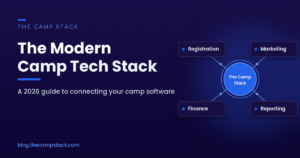
A CampBrain Constant Contact sync is one piece of a larger, connected camp tech stack. If you’re managing registration, communication, and reporting across separate tools, custom camp integrations from The Camp Stack tie them together so data moves automatically instead of living in exports and spreadsheets.
Ready to stop manually updating your email lists? Book a call with The Camp Stack team to get CampBrain and Constant Contact connected.
Sharing is caring!